
Start Monitoring Invalid Traffic
- Upon clicking the “Get it now” button on the CHEQ for PPC - Monitoring application within the marketplace, you will be directed to the installation wizard
- On the welcome screen, select the relevant region, based on your timezone preferences, to schedule a quick setup call with our team
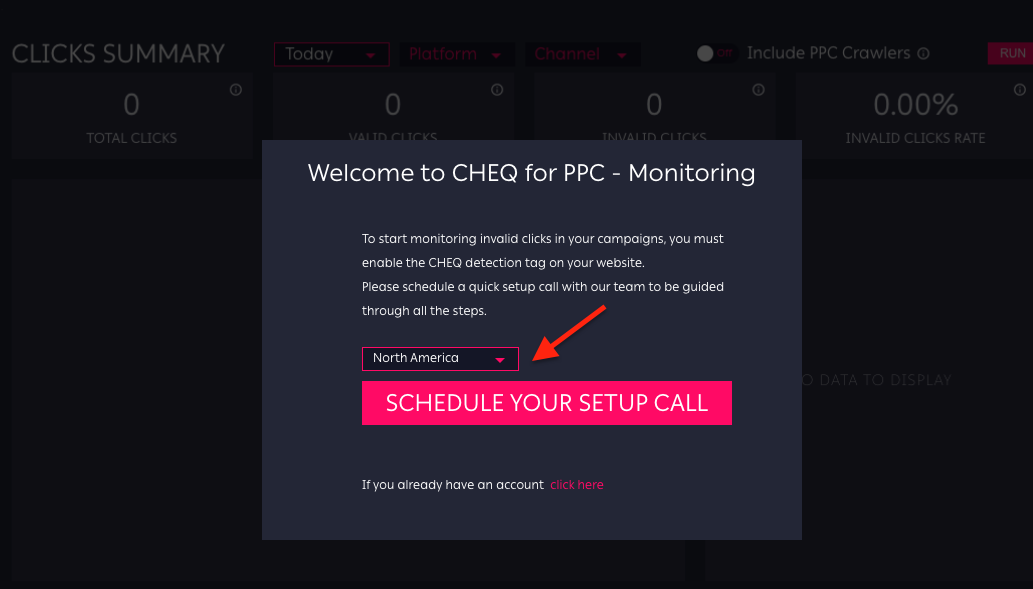
3. On the setup call, we will provide you with your login credentials and guide you through the following steps:
- Implement CHEQ's Invocation Tag through your tag management tool (e.g. Google Tag Manager)
- Append CHEQ's custom URL parameters for better insights (optional)
- Install the CHEQ for PPC Monitoring app
- Map your custom data fields to enable your Datorama data streams and dashboard
Installation Steps
4. Once you have your credentials, you can click the login URL at the bottom of the Welcome screen.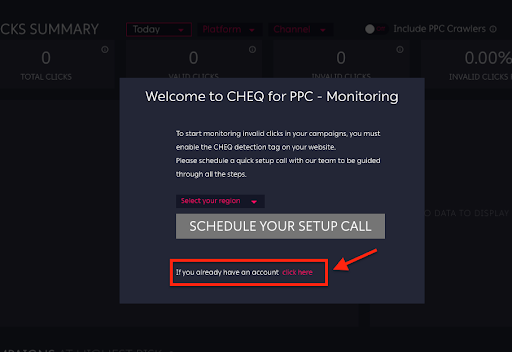
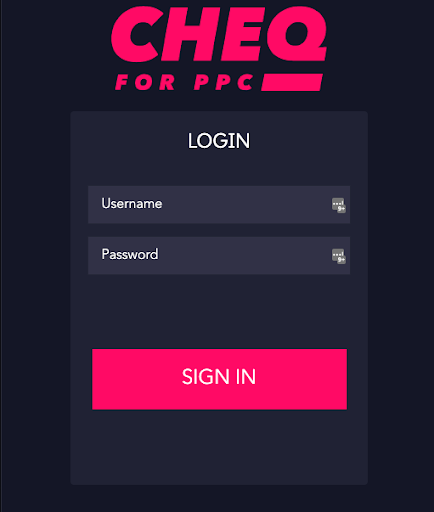
5. Enter the ‘Username’ and ‘Password’ you received from CHEQ to authenticate
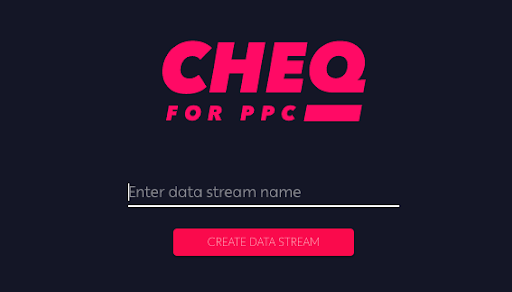
6. Once logged in, a new data stream needs to be created in order to incorporate all your monitored click data into Datorama
7. Upon data stream creation, the following fields should be mapped
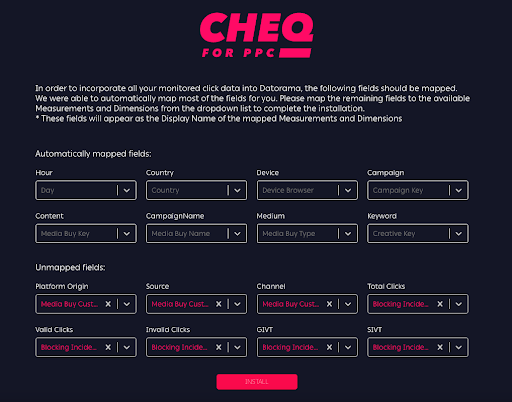
8. Once all fields are mapped, click the ‘Install’ button to initiate the installation process
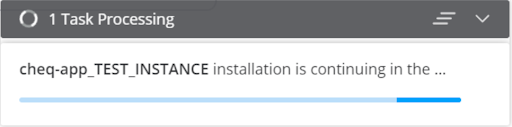
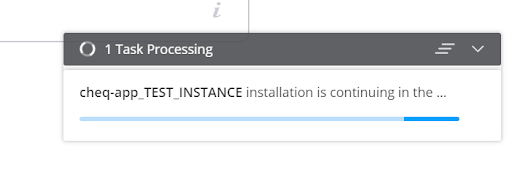
9. Upon successful installation, you will receive the “Task Done Successfully” notification 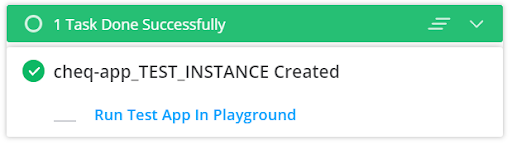
10. Now you can access your CHEQ for PPC - Monitoring application within Datorama to get immediate insights of the click fraud affecting your paid search and social media campaigns.